Counter-Strike 2
Tactical FPS · High · 1920×1080
Competitive settings; mostly CPU-bound.
180–240 FPS
estimated
RM 3,500 build suggestion
Live Shopee MY prices and selected variants, cached 21/10/2026, 4:43:10 am.
Over budget by RM 78.51.
18
PASS
3
WARNING
0
FAIL
0
UNKNOWN
2
N/A
Cached live Shopee results. Each link opens the exact product listing used for the variant price.
Processor
WARNINGAMD Ryzen 7 5700X (Tray)
RM 865
RM 1,134 (56.7%) since the previous refresh
CPU cooler
WARNINGDEEPCOOL AK400 G2 BLACK
RM 165
Motherboard
WARNINGMSI A520M-A PRO
RM 229
Memory
PASSFanxiang UD01 16GB (2x8GB) DDR4-3200 CL16
RM 519
Graphics card
WARNINGPowerColor Fighter RX 6600 8GB
RM 1,050
Power supply
PASSMSI MAG A650BN 650W
RM 221
Case
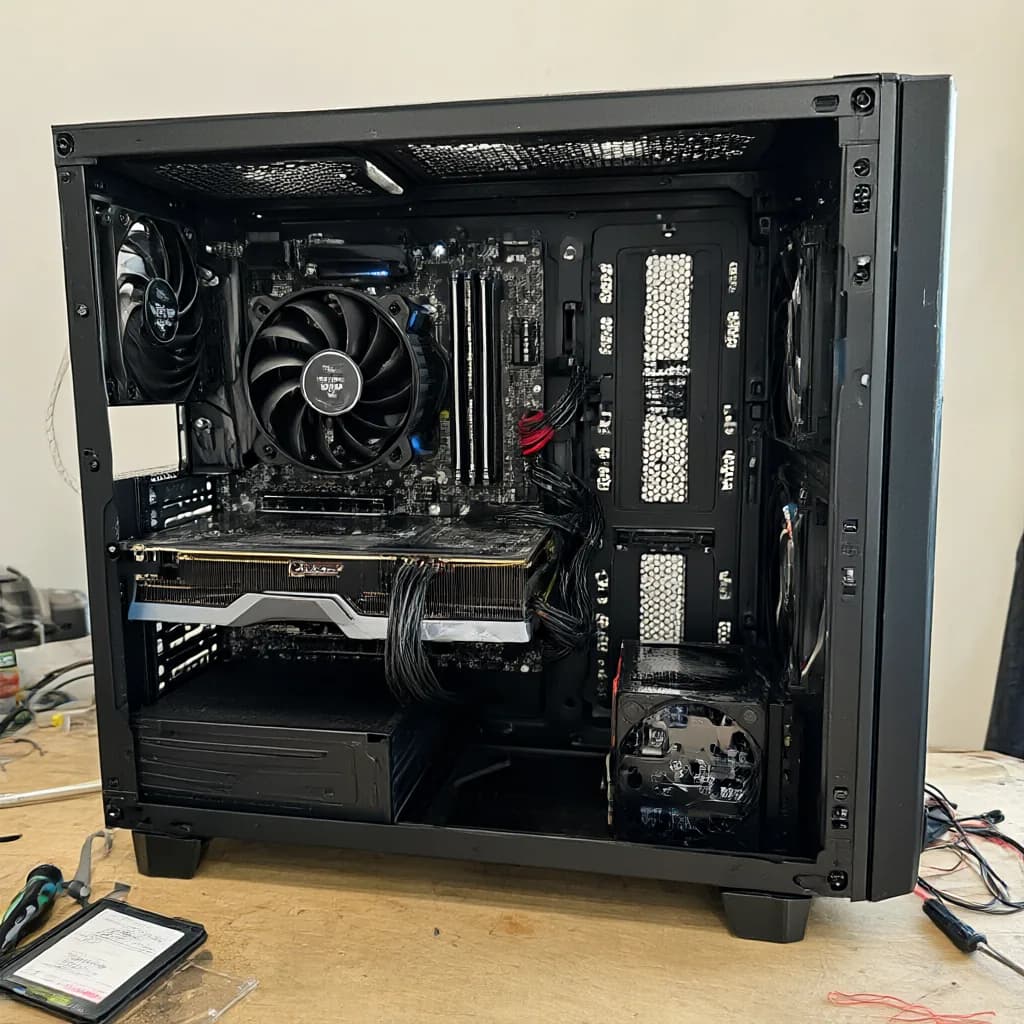
WARNINGTecware Aero M TG ARGB
RM 177.79
Storage
PASSWD Blue SA510 1TB
RM 351.72
Total price
RM 78.51 over the RM 3,500 budget
Purchase and setup notes to clear before ordering. The full technical audit is below.
The PowerColor Fighter RX 6600 is used and comes with its original box.
Confirm warranty and test it under load before paying.
Compatibility uses RX 6600 reference dimensions; this is a board-partner card.
Verify the card length, slot width and 8-pin connector; the Aero M allows up to 320mm.
The cooler is the AK400 G2 variant at RM165; compatibility uses the AK400 platform dimensions (155mm, 46mm RAM clearance).
Confirm the G2 height and AM4 mounting kit at checkout.
The Ryzen 7 5700X gives 8 cores/16 threads at RM865, about RM254 more than the Ryzen 5 5600 in the RM3,500 value build.
This is the option to pick if you render, stream or multitask; for pure gaming the 5600 build is better value.
To stay on budget the CPU money comes out of the motherboard: the A520M-A PRO has PCIe 3.0, no Wi-Fi and no 5V ARGB headers.
If you need PCIe 4.0, Wi-Fi or the case lighting, choose the RM3,500 value build with the B550M and Ryzen 5 5600 instead.
Build-day checklist
Practical steps for this exact parts list. Check the seller listing and motherboard manual before assembly.
Update the BIOS to 7C96v28
Do thisThe A520M-A PRO may ship with an older BIOS. Ask the seller for the installed version and update to 7C96v28 before first boot. A520 boards may need a supported CPU to flash.
Enable the DDR4-3200 memory profile
InfoAfter the first boot, enable XMP/DOCP in BIOS and verify the memory runs at its rated speed.
Install the GPU in the top PCIe x16 slot
InfoConnect 1× PCIe 8-pin from the PSU. Use the uppermost x16 slot and secure the card to the case.
Plan the 5V ARGB connection
Heads-upThe case fans are 5V ARGB, but the motherboard has no 5V ARGB header. Add a 5V ARGB hub/controller or leave the lighting disconnected. Never connect the ARGB lead to the 12V RGB header.
No Wi-Fi onboard
InfoUse Ethernet or add a USB/PCIe Wi-Fi adapter. The selected motherboard has no built-in Wi-Fi.
Mount the 2.5-inch SATA drive
InfoInstall the drive in a 2.5-inch bay and connect both the SATA data cable and PSU SATA power.
Prepare Windows or Linux
InfoNo operating system is included. Create an installer USB and have a licence ready before assembly.
Only checks that require a decision or manual verification.
| Check | Status | Details | Required action |
|---|---|---|---|
| BIOS readiness | WARNING | BIOS 7C96v28 may be required, but the installed BIOS version is unknown. Without a known installed version, out-of-the-box readiness cannot be confirmed. | Ask the seller for the installed BIOS version or update to 7C96v28 before use. If the board cannot update without an older CPU, have the seller update it. |
| GPU / motherboard PCIe | WARNING | GPU uses a PCIe x8 link; bandwidth may be reduced. A suitable x16 slot exists. PCIe 4.0 is backward compatible with PCIe 3.0; the GPU will negotiate to the lower generation. The GPU's narrower link can reduce performance, especially at the lower generation. | Review performance expectations; no physical incompatibility is present. |
| Fan / ARGB support | WARNING | 5V ARGB fans have no 5V header; only a 12V RGB header is available. The fans can still run through their PWM connection, but their lighting cannot be controlled. Connecting 5V ARGB devices to a 12V RGB header can permanently damage the LEDs or controller. | Add a 5V ARGB controller/hub if you want lighting. Do not connect the ARGB lead to the 12V RGB header. |
GPU length clearance
120 mm
Case maximum minus selected GPU length.
CPU cooler clearance
20 mm
Uses the selected stock cooler unless an aftermarket cooler is chosen.
PSU headroom
337 W (107.7%)
Planning estimate from structured component power, not wall power.
Gaming compatibility
Three categories, six games each, estimated at 1080p with the selected Radeon RX 6600 8GB. These are planning estimates, not benchmark results.
High-frame-rate multiplayer titles.
Counter-Strike 2
Tactical FPS · High · 1920×1080
Competitive settings; mostly CPU-bound.
180–240 FPS
estimated

League of Legends
MOBA · Very High · 1920×1080
200–280 FPS
estimated

VALORANT
Tactical FPS · High · 1920×1080
200–300 FPS
estimated

Dota 2
MOBA · Best Looking · 1920×1080
120–170 FPS
estimated

Marvel Rivals
Hero shooter · Medium/High + FSR · 1920×1080
8GB VRAM is tight at high textures.
70–100 FPS
estimated

Rainbow Six Siege X
Tactical FPS · High · 1920×1080
Competitive settings.
120–160 FPS
estimated
Large-map survival and extraction shooters.

Fortnite
Battle royale · High (DX12) · 1920×1080
FSR Quality is optional.
90–130 FPS
estimated

PUBG: Battlegrounds
Battle royale · High · 1920×1080
100–140 FPS
estimated

Apex Legends
Battle royale · High · 1920×1080
100–130 FPS
estimated

Call of Duty: Warzone
Battle royale · Medium/High + FSR · 1920×1080
FSR Quality helps at 1080p.
70–95 FPS
estimated

Delta Force
Extraction shooter · High · 1920×1080
80–110 FPS
estimated

Escape from Tarkov
Extraction shooter · High · 1920×1080
CPU- and RAM-heavy; 16GB is the practical minimum.
65–85 FPS
estimated
Single-player and visually heavy titles.

Grand Theft Auto V
Open world · Very High · 1920×1080
120–160 FPS
estimated

Cyberpunk 2077
Action RPG · High + FSR Quality · 1920×1080
Keep textures within 8GB VRAM.
55–75 FPS
estimated

Elden Ring
Action RPG · High · 1920×1080
60 FPS cap.
60–60 FPS
estimated

Baldur's Gate 3
RPG · High · 1920×1080
70–90 FPS
estimated

Hogwarts Legacy
Action RPG · High · 1920×1080
8GB VRAM may limit ultra textures.
60–80 FPS
estimated

Red Dead Redemption 2
Open world · High · 1920×1080
8GB VRAM is sufficient at High.
60–75 FPS
estimated
Estimates assume a Ryzen 5-class CPU, 16GB RAM, current drivers and the listed preset. Single-channel memory can reduce CPU-bound frame rates. Verify performance in the exact game version and scene before buying.
Upgrade path
What this build can accommodate later, based on the selected motherboard, case and power supply.
Memory slots are full
LimitedAll 2 DIMM slots are occupied. Replace the modules to increase capacity; board maximum: 64GB.
Add an M.2 drive
Available1 of 1 M.2 slot(s) free, with 4 SATA ports.
CPU upgrade path
Check firstThe AM4 socket supports higher-core Ryzen 5000 options such as the Ryzen 7 5700X3D or 5800X3D, but verify the exact board revision, BIOS and cooling before buying.
GPU upgrade headroom
Limited650W PSU with about 337W estimated headroom and 320mm maximum GPU length. Choose a card that fits both. The PSU has no native 12VHPWR connector; check any adapter requirements.
Cooling upgrade path
AvailableCoolers up to 175mm fit. Radiator support: front 240mm, top 240mm. 4 case fans are included.